1️⃣ Sign up for GiveawayOK
Log in with Google / Facebook or register with your email address.
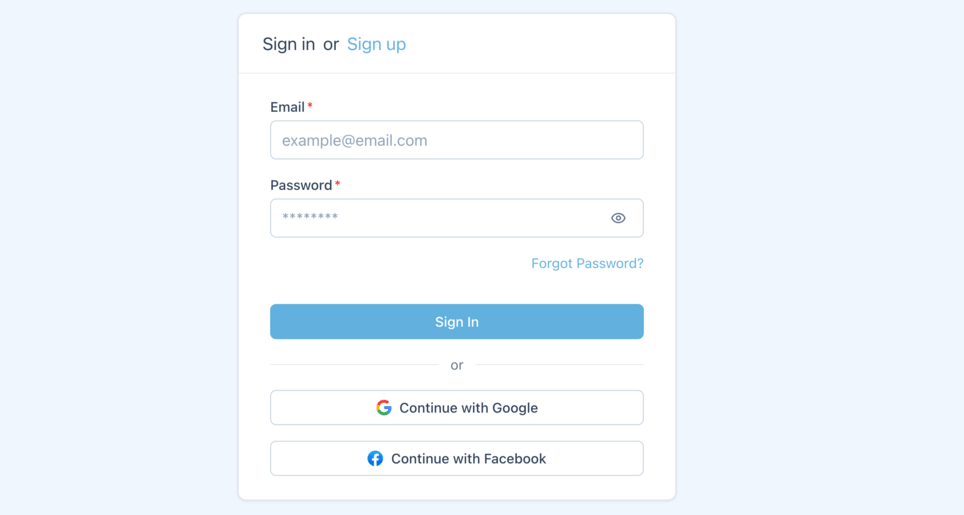
🎯 Tip: choose a convenient login method so you don't lose access.
2️⃣ Choose your giveaway platform
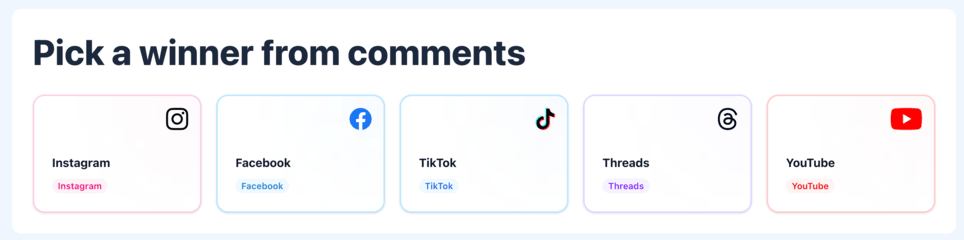
Select the social network where you're running your giveaway: Instagram, Facebook, TikTok, Threads or YouTube. The GiveawayOK randomizer adapts to each platform's rules to correctly collect comments and participant names.
Need to save the list of participants? Check out our step-by-step guide on how to export comments in Excel or CSV format.
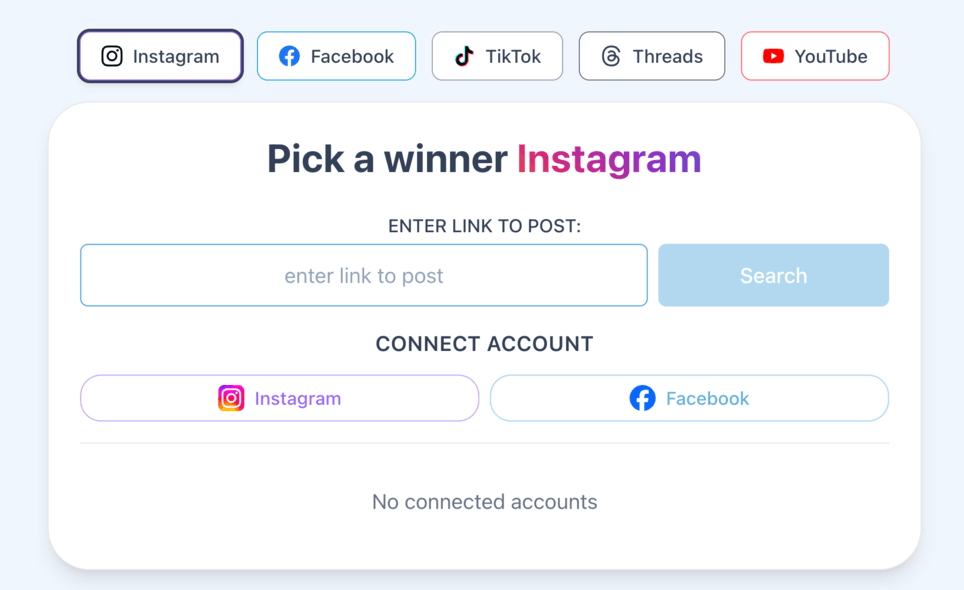
3️⃣ Paste the link to your post, Reels or video
Copy the link to your giveaway post/Reels/video on Instagram, Facebook, TikTok, Threads or YouTube and paste it into the search field, then click Find. The service will automatically start loading comments and post/Reels/video data.
4️⃣ Configure giveaway settings
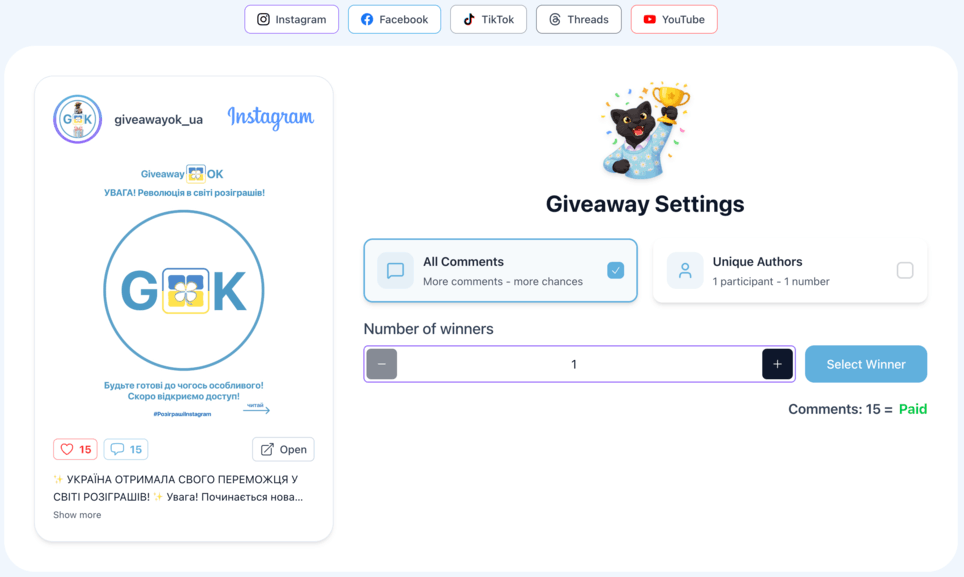
Set the number of winners and choose the selection method: from all comments or from unique authors only. Click «Pick Winner» to start the giveaway🎉.
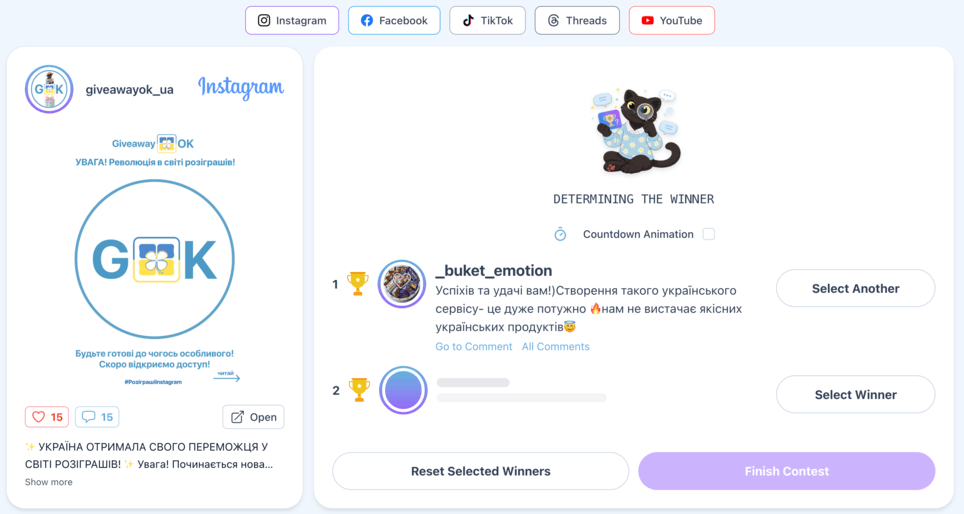
5️⃣ Pick giveaway winners
Click «Pick Winner» and the algorithm will select a winner from the comments. You can
- Use the «Countdown Animation» feature
- View each winner's comment
- See all comments left by the winner (with a subscription only)
- Visit the winner's profile
- Pick a different user if conditions weren't met — unlimited times!
- Restart the giveaway — unlimited times!
 Review each winner's comments
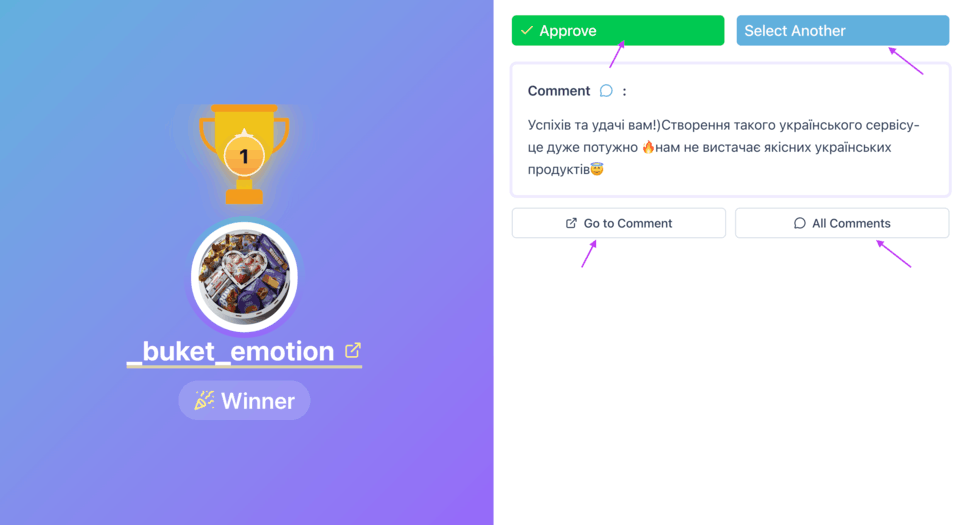 Manage your winner selection
✨ Tip: record a short video of the draw and save the CSV. This is proof for your audience.
6️⃣ Download giveaway results
📊 Download giveaway results with one click. After the giveaway ends, you can easily download the winner list in Excel or CSV format. It's a convenient way to store data for reporting or publishing giveaway results on Instagram, Facebook, TikTok, YouTube and Threads.
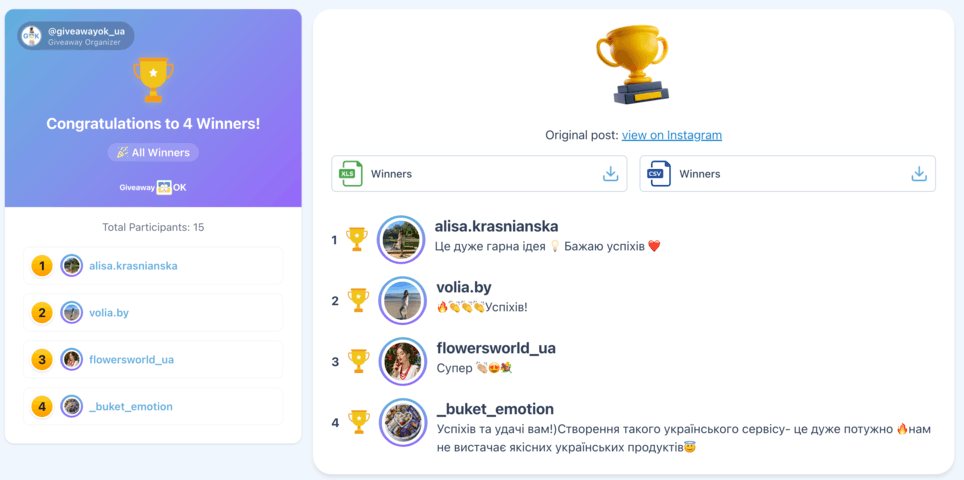
📂 Tip: publish the draw video as proof. Audiences respect that.
Need all the comments, not just a giveaway?
If you want to export the full list of a post's comments rather than just running a giveaway, use our comment export tool.
Frequently asked questions about giveaways
Is running a giveaway on GiveawayOK free?
Yes, you can run a giveaway for free right away. For larger giveaways, you can easily upgrade to a suitable plan.
Which platforms are supported?
GiveawayOK works with Instagram, Facebook, TikTok, Threads and YouTube — just paste the link to the relevant post, Reels or video. The service will automatically detect the platform and load participant comments according to its rules.
How do I pick a winner from comments?
Paste the link to your post, wait for the service to load the comments, and set your giveaway conditions. Then click «Pick Winner» — the algorithm will randomly select a winner from the participants.
Can I save the giveaway results?
Yes, you can download the results with one click in Excel or CSV format. This is handy for record-keeping and lets you publish the winner list as proof of a fair giveaway.
How fair and transparent is the winner selection?
The winner is selected by a random algorithm from comments based on your specified conditions, so the result cannot be manipulated manually. You can share the full results report with your audience as proof of transparency.
How many winners can I pick, and can I filter for unique commenters only?
You set the number of winners yourself before starting the giveaway. You can also choose to select from all comments or only from unique authors, so one person can't win with multiple comments.
What if the winner didn't meet the giveaway conditions?
No problem — you can pick another winner or restart the giveaway as many times as you need. This helps you quickly find a participant who genuinely met all the conditions.
Why choose GiveawayOK for running social media giveaways?
Scrolling through hundreds or thousands of comments manually is inconvenient and error-prone. GiveawayOK comment randomizer automatically picks winners from giveaway participants based on your conditions, delivering a transparent and fair result for everyone.
Is it free? Yes, start picking winners from social media comments with GiveawayOK right now.
Can I save the results? Absolutely. Save and download giveaway results at any time.
