Export comments from Instagram
Get the full list of Instagram comments on any post or Reels in one click. Perfect for giveaways, contests, analytics and moderation.
Why export comments from Instagram?
Transparent reporting for brands
An official export through the Meta Graph API gives you a clean dataset for engagement analytics, KPI evaluation and the final report to your client.
An offline giveaway without online services
If corporate policy or a live-stream format doesn't allow showing third-party tools, download the list and run the final round locally.
Instead of hours of manual copy-paste
Routine data collection under large-scale posts takes hours. GiveawayOK automates the entire process and quickly produces a ready-made table.

Why people choose GiveawayOK to export comments from Instagram
GiveawayOK uses the official Meta Graph API, which bypasses the app's visual bugs and exports all available comments with maximum accuracy and depth.
How to export comments from Instagram?
Connect your Instagram account
Go to the comment export section in GiveawayOK and click "Connect Instagram". Authorization is possible in two ways.
Log in through Instagram
Log in through your Instagram account and grant access to account information, media files and comments. Exporting comments requires a business or creator account. Personal Instagram accounts are not supported.
Log in through Facebook
Log in through a Facebook account that is an administrator of the Facebook page connected to your Instagram. Grant access to account information, posts and comments.
Choose a post or Reel
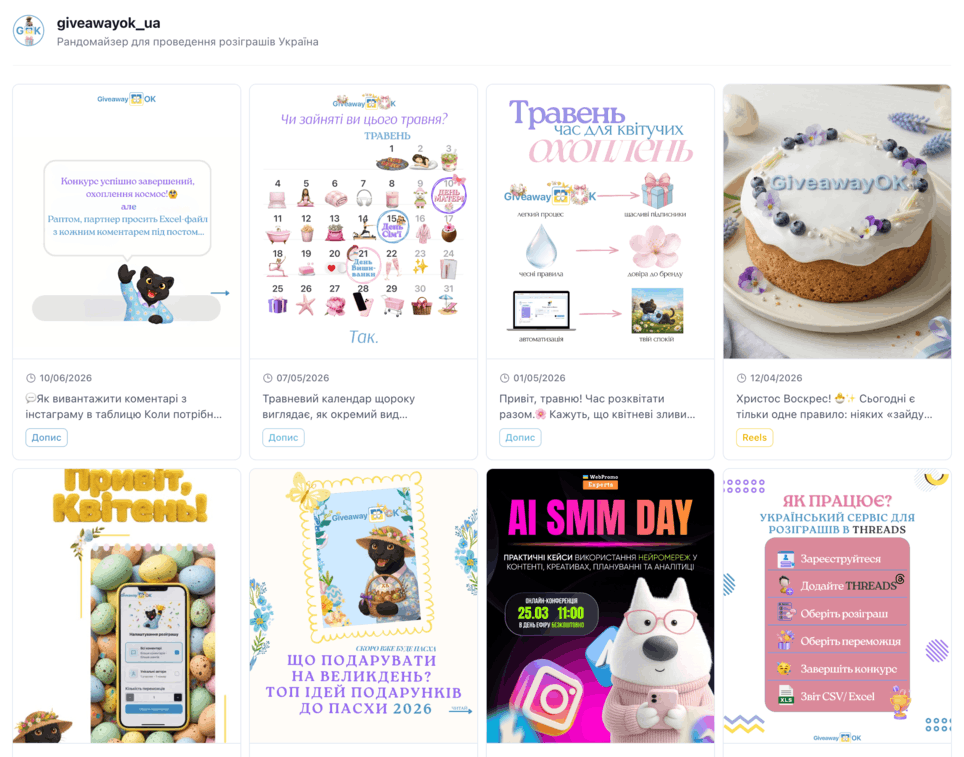
After connecting, you'll see a list of your publications. Choose the post or Reel whose comments you want to export.
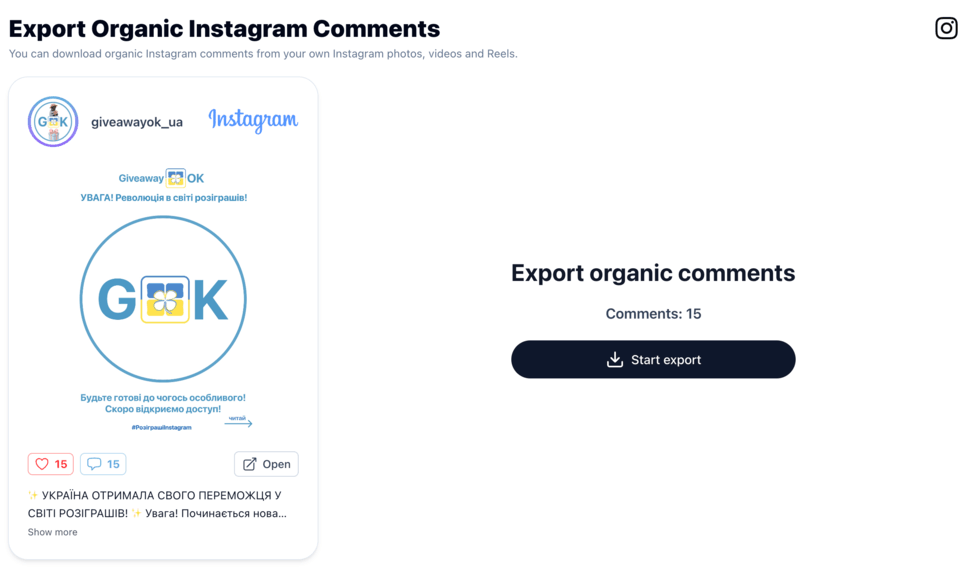
Export and download the file
Click "Export" - GiveawayOK will load all available comments through the Meta API. Choose the Excel (.xlsx) or CSV format and save the file. It will contain: username, comment text, date and time, comment ID and link to the post.
Ready to export comments from Instagram?
Join thousands of bloggers and businesses who export comments from Instagram with GiveawayOK.
Frequently asked questions
Do I need a business or creator account to export comments from Instagram?
Yes. The Meta API grants access to comments only for business and creator accounts. This is a restriction from Meta, not GiveawayOK.
Can I export comments from a personal Instagram account?
No, the Meta API does not support personal accounts. Switch to a business or creator account in your Instagram settings — it's free.
Are Collab Posts supported?
Yes. To export comments from Collab Posts, log in through Facebook, or through Instagram - if you are the original author of the post.
Is it safe to connect Instagram to GiveawayOK?
Yes. The connection happens through the official Meta login - we only get read access to comments and never see your password.
Why is login through Facebook or Instagram required?
We need access to your posts and comments through the official Meta API. We support login through Instagram or through a Facebook profile that is an administrator of the page linked to the Instagram account. We cannot post anything on your behalf and do not have such permissions.
What data is included in the comments file?
The file contains: username, comment text, date and time, comment ID, number of likes, link to the post and comment visibility status.
Don't need a file - just want to pick a winner?
Use the GiveawayOK randomizer: paste the link to a post or Reels, and the service will load the comments and pick a winner automatically.
